
_554ae8.png)
_fbf2ab.png)
_a7027e_61b385.png)
_a7027e_41cded.png)
Welcome to the Lexus Owners’ Club
North America’s independent Lexus community!
Membership is completely free, and our community is built by Lexus owners and enthusiasts across the United States and Canada. As a proudly independent, unofficial club, the help and advice you’ll find here come from members with genuine Lexus ownership experience.
Join the club now!
Independent Lexus club · Built by Lexus owners, for Lexus owners
Free membershipReal owners. Real experiences.
- Real communityOwners · Real experience
- DiscussGet help · Share knowledge
- ModifyBuild · Improve · Enjoy
- Less adsSmoother experience
Lexus News & Articles
-
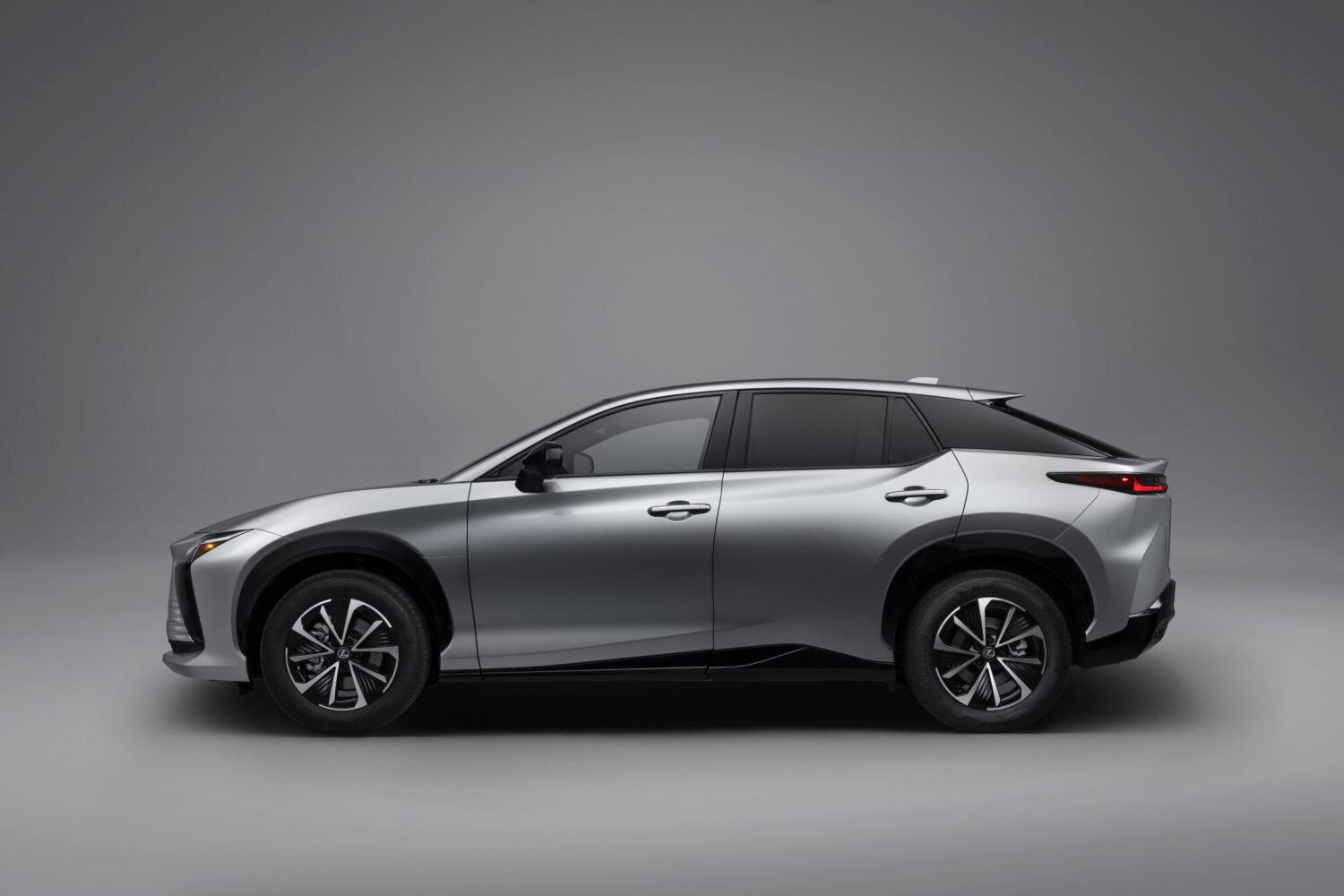
The 2027 Lexus RZ brings a bold energy to the Lexus lineup, combining all-electric performance with elevated style and excellent craftsmanship that has become synonymous with the brand. Sleek, modern and confidently designed, the RZ is crafted for drivers who want more from every moment behind the wheel. It delivers excitement, innovation and quiet confidence, seamlessly blending luxury and technology, dynamic performance and progressive design. The 2027 Lexus RZ offers a choice for every kind o
- 117 views
-
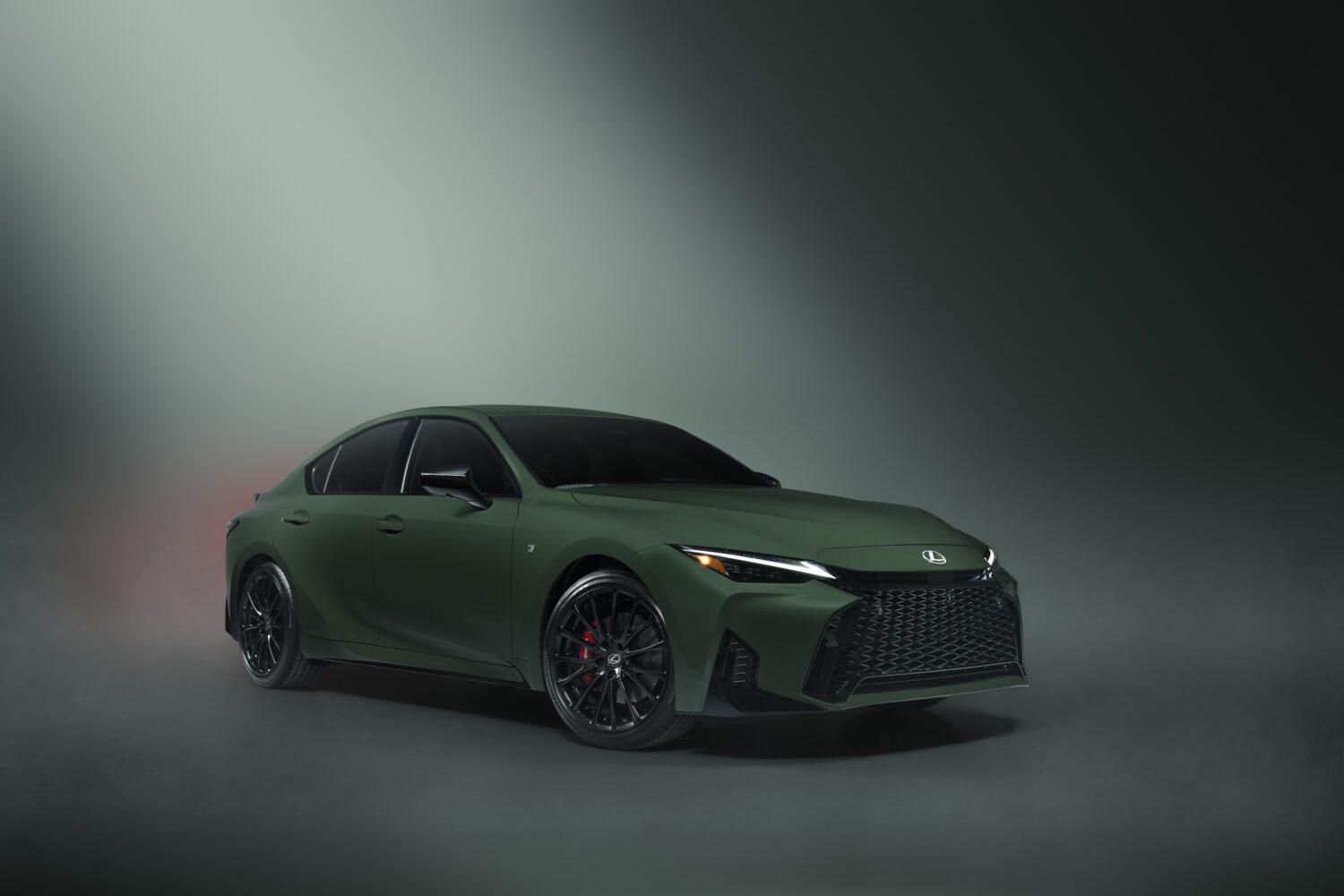
Marking the culmination of the Lexus IS 25th Legacy Tour, Lexus unveiled the 2027 Lexus IS Special Appearance Package at the last stop of the 4-city summer tour in Miami, Florida. For a quarter-century, the IS has bestowed performance, design, and driving passion — honoring the legacy that the Lexus IS has built within the automotive community. Since 2022, Lexus has marked each year with a new Special Edition or Special Appearance Package, offering IS owners a next level of exclusivity. Continu
- 514 views
-
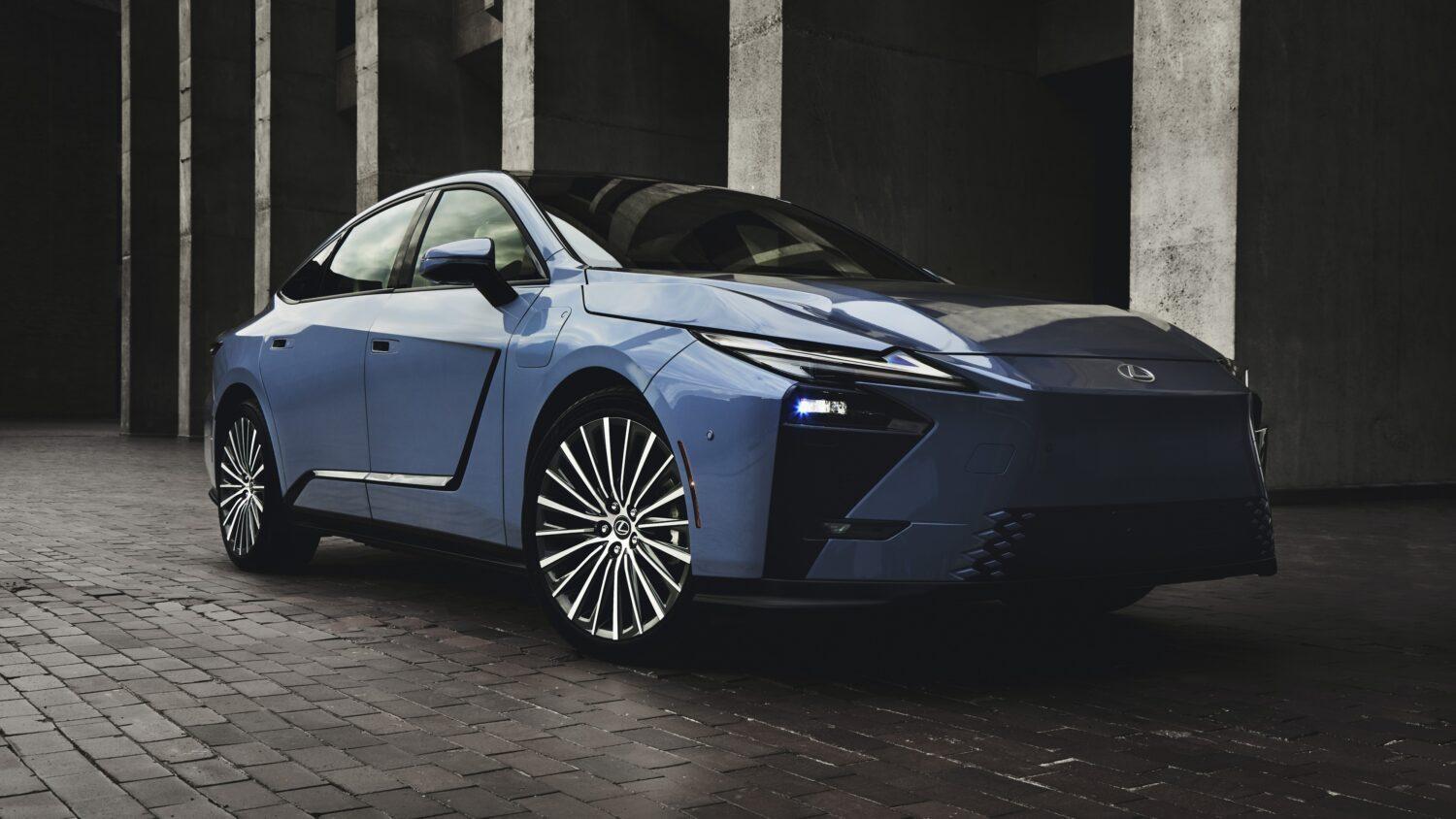
The eighth-generation Lexus ES was all-new for 2026 and carries over to 2027 unchanged. The long-running luxury sedan’s latest hybrid model is joined by the battery-electric (BEV) ES models in dealerships. Every 2027 Lexus ES shares styling inside and out; a multi-pathway platform capable of supporting internal combustion and all-electric powertrains; and the latest Lexus Interface touchscreen and digital Multi-Information Display (MID) ahead of the driver. Utilizing Lexus’ sixth-generation hybr
- 1,328 views
-
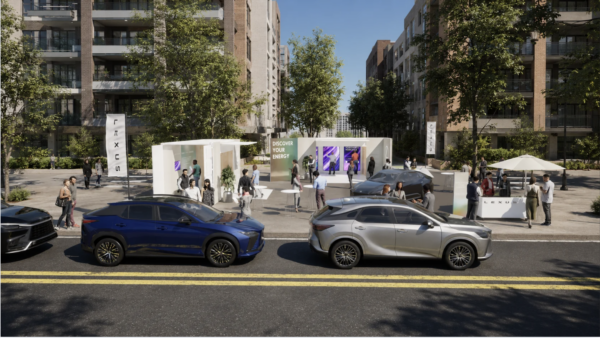
Lexus brings an immersive electrified experience to four U.S. cities this summer Lexus is bringing its immersive “Discover Your Energy” pop-up experience to four U.S. cities this year, inviting guests in Scottsdale, Arizona; Plano, Texas; Cleveland, Ohio; and Bethesda, Maryland to explore some of the brand’s electrified vehicles through a visually striking and interactive event. Inspired by the idea that energy takes shape, the experience is designed to make electrified power feel intuitive, lux
- 321 views
-
Keeping a vehicle well maintained is paramount for its long-term health and performance. Some drivers don’t realize just how much scheduled maintenance can affect a vehicle’s longevity and performance — and that includes electrified vehicles (EVs), too, which also need routine care. While EVs bypass oil changes, their systems, including the electric powertrain, brakes, cooling systems and fluids, still need expert attention to help ensure optimal operation and battery health. Beyond routine chec
- 835 views

Latest Lexus Stream
-
Trevor-C replied to Joel DG's topic in Lexus 2019 to Present - RX 350 / RX 350h / RX 450h+ / RX 500h F Sport Performanceif its a late model then it should be programmed in with a scan tool
-
What has occurred with the vehicle prior to the fault? Is the battery condition and voltage within specs? and did the battery discharge completely? Also, any prerequisites required such as 'foot down on the brake pedal / clutch pedal'?
-
My battery has less than 50% state of health for my RX 350 2020 V6. Would it be a concern if I bought it from Sams club with regards to any reset required if any?
-
That worked . Thank you all for your help. Have a blessed day. TTYL 👋
-
The security systems seems to lock engine start. Can you disable the security ecu without issue